 Intro
Intro Full episode
 Clips
Clips Titles
How our video podcast editing works
Drop the files in.
All you do is review.
-
1
Send the files
Drop the recordings, paste a Riverside or Drive link, or add any other files. Leave notes on anything to cut or names to spell right.
 From Coverage to CitationDrop the recordings hereor paste a Riverside or Drive link
- A025L001_260713MW.MP462.6 GB
- B169R001_260713QS.MP462.5 GB
- C021C001_260713FT.MP462.6 GB
All three are in. Your editor has them.
-
2
We edit
The same editors work on your show every week and follow its notes. A real person edits every episode.
-
3
You review
Watch the cut in Frame.io and leave notes on the exact second. We go back and forth until it's right. Nobody counts revisions.
-
4
You publish
Everything lands together, ready to post, usually under a week from the day your files arrive.
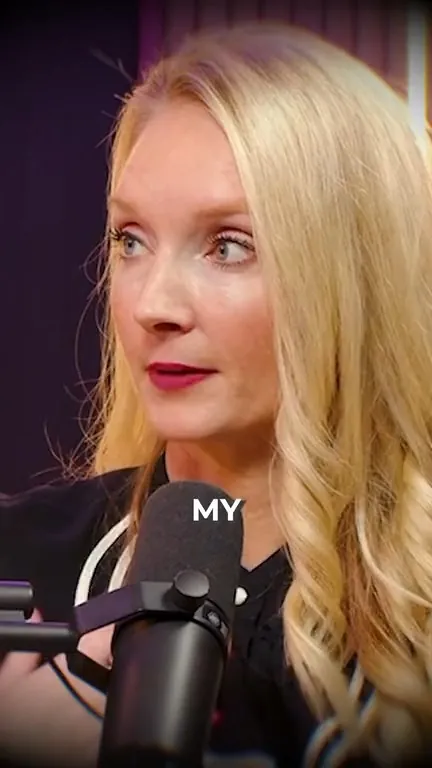
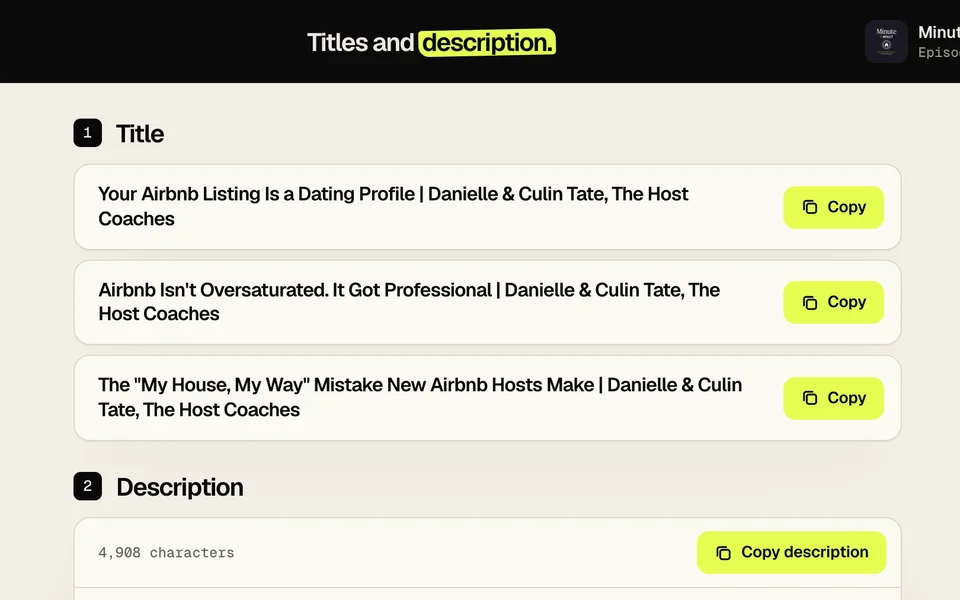
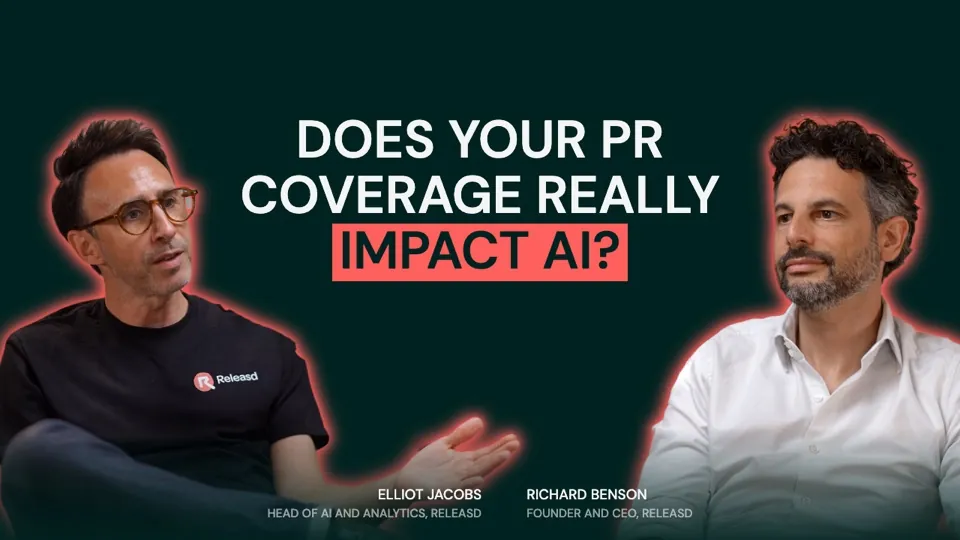
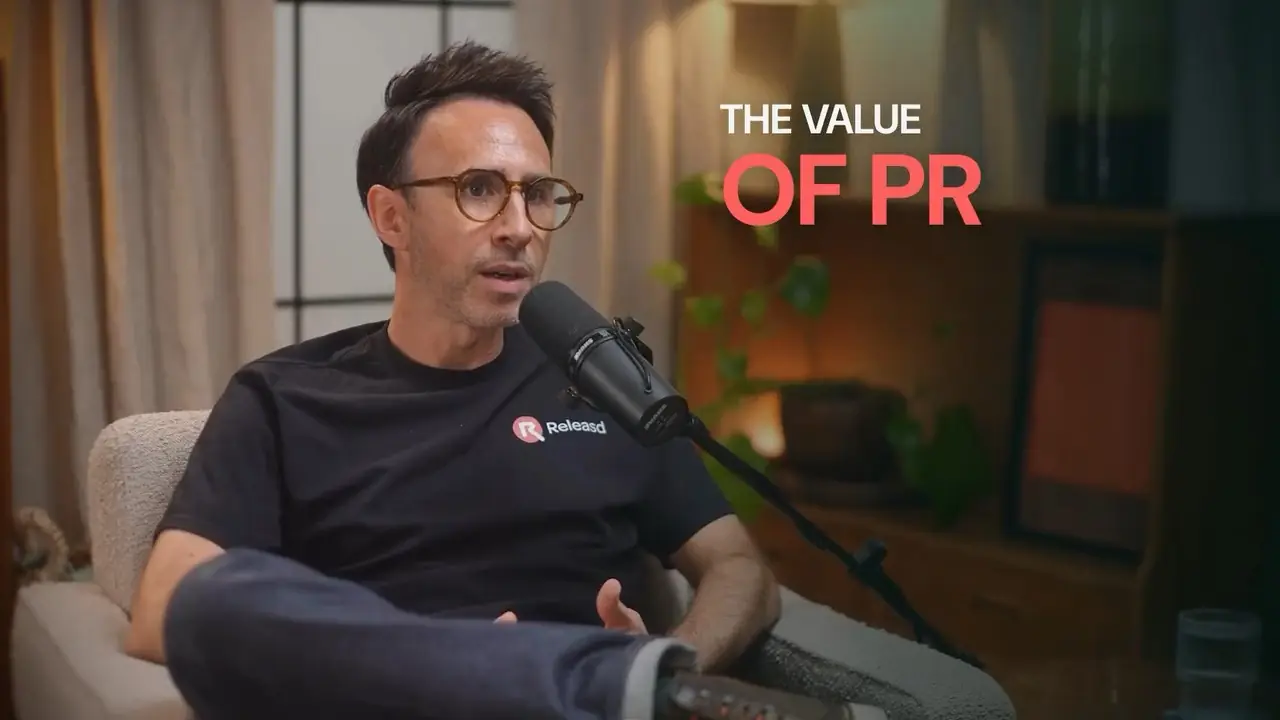
The finished first episode of From Coverage to Citation: the full episode, the intro, the vertical clips, the thumbnail, and the title, description and chapters, all ready.
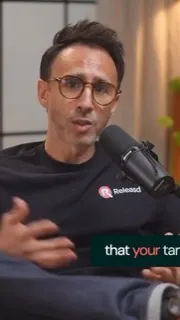
 1:47
1:47 1:33
1:33 1:31
1:31 1:20
1:20Ditch the emails.
Jump into Portal.
We've never missed a deadline, and Portal is how. Every episode has its own page there: the files, the due date, your notes and a chat with your editor, so nothing gets buried in an inbox.

 EP019
EP019
Walk in already
knowing your guest.
Give Question Prep their name and website. In about a minute you've got a brief on your guest and questions worth asking. A Portal exclusive.
- Reads their website and the LinkedIn profile you paste in
- Shows where every question came from
- Flags the names you need to get right
- Edit them, reorder them or add your own

Questions, answered.
The edit
How quickly do I get the episode back?
Usually under a week per episode, from the day your files arrive, and that includes the clips and the thumbnail. We work on a weekly schedule and stay ahead of your release day, so nothing is finished in a rush.
Do you work with remote and studio recordings?
Both. For remote interviews we recommend Riverside, since it records each person separately in high quality. Studio shoots with several cameras are fine too.
What equipment do I need?
Less than you'd think. A decent webcam or phone and a USB microphone will get you going. If you can record in 4K, do, because it lets us reframe and punch in without losing sharpness. We deliver in 1080p.
Do you edit audio-only podcasts?
Not at the moment. We're set up for video shows. If you're starting out, video is worth it: it gives you YouTube and short-form clips as well as the audio feeds.
Working together
Can I try one episode first?
Yes. Book a single episode and pay for just that one. If you like it, we can set up a regular run. There's no trial fee and nothing to sign.
How do revisions work?
You leave notes on the cut in Frame.io and we make the changes. We keep going until you're happy. There's no number of rounds written into anything.
Do I have to sign up for a regular plan?
No. You can book a single episode and pay for just that one. You can also start a regular run straight away, billed every four weeks, and change or stop it whenever you like.
What if you're fully booked?
We'll tell you honestly and give you a real start date. There's no countdown timer and no "last spot" on this site.
Paying
How does paying work?
By card, before we start. Pay for a single episode, or set up a regular run, billed every four weeks, and change what's in it whenever you like. There's no minimum term and no notice period.
Can I buy one thing without the full edit?
Yes. Set episodes to zero in the builder and add what you need: clips, an intro, a thumbnail, or a title, description and chapters. We'll work from a recording you already have.
Can I switch between standard and advanced?
Yes, episode by episode. Plenty of shows run advanced for a big guest and standard the rest of the time. The price follows whatever you pick.
How do revisions affect the price?
They don't. Revisions are part of every episode, and we keep going until you're happy with the cut.
Is there a bigger discount for more episodes?
The only discount is 10% off from three episodes. Everyone gets the same prices, so there's nothing to negotiate.
Files and AI
Who owns the files?
You do. Every edit, clip, thumbnail and project file is yours to keep, whether you stay with us or not.
Do you use AI?
Yes, and never on its own. Software transcribes the conversation, cleans up the sound, lines up the cameras and suggests moments worth a look. A person makes every decision, and an editor watches each episode all the way through before it reaches you.